
I double-clicked the OrcaSlicer shortcut on my Windows 11 box last month, watched the splash flicker for half a second, and got nothing. No window, no error, no Task Manager process. I’ve now hit a launch failure on every desktop OS I own, and I’ve learned that “OrcaSlicer won’t open” is almost never one bug. It’s a small family of bugs that look identical from the outside but need very different fixes underneath.
The good news: most of the time you can get back into the slicer in under fifteen minutes once you know which symptom matches which cause. This guide walks the three OSes in order of how loud the issues are in the SoftFever/OrcaSlicer repo right now, and it leans hard on the actual GitHub issue threads instead of recycled forum guesses. If you’re stuck at a damaged-app dialog on a Mac or a vanishing icon on Windows, you’re in the right place.
Table of contents
- What’s happening when OrcaSlicer won’t open
- Windows: the Defender false positive on v2.3.2
- Windows: missing Visual C++ runtime fix
- Windows 11 slow launch and blank home screen (Issue #13239)
- Windows: corrupted profile reset done safely
- macOS: the “App is damaged” Gatekeeper fix
- macOS: Apple Silicon, Rosetta, and the right build
- Linux: AppImage permissions and FUSE mismatches
- Linux: when the Flatpak build saves you
- OS version minimums and graphics requirements
- Crash logs per OS and FAQ
What’s happening when OrcaSlicer won’t open
Launch failures fall into three buckets, and figuring out which one you’re in saves you from chasing the wrong fix. The first bucket is the splash hang, where you see the OrcaSlicer logo for anywhere from a few seconds to ninety seconds and then either nothing renders or a blank home tab appears. The second is the vanishing window, where the app shows in Task Manager (or Activity Monitor) for five to ten seconds, then disappears with no dialog at all. The third is the explicit error: a “damaged” warning on macOS, a missing DLL message on Windows, or a shared-library error on Linux.
Match your symptom to one of those buckets and skip straight to the relevant section. If you’ve got a hard error message on screen, I’d suggest copying the verbatim text and searching it on the issue tracker before you do anything else. Half the launch bugs I’ve debugged were already documented with the exact string in a thread that took thirty seconds to find. For a wider tour of issues that aren’t strictly launch-related, see the full troubleshooting hub at our OrcaSlicer troubleshooting master guide.
Windows: the Defender false positive on v2.3.2 (Wacatac.H!ml)
If Defender ate your installer before OrcaSlicer ever got a chance to launch, you’re looking at Issue #12923. The detection name is the giveaway: Trojan:Win32/Wacatac.H!ml. That !ml suffix is Microsoft’s machine-learning heuristic flag, not a signature match against actual malware. It fires when the ML model sees a packing or behavior pattern it doesn’t like, and it has hit GitHub CLI, Docker Desktop, nw.js, and the .NET runtime over the past couple of years, all of which were confirmed false positives in their own trackers.
That’s not me waving away a real malware report. The OrcaSlicer 2.3.2 installer comes straight from a signed GitHub release, and the cross-project pattern around the Wacatac heuristic is strong enough that I treat it the same way I treat a Defender hit on the GitHub CLI installer: re-download from the canonical source, verify it’s the right release page, and add a temporary exclusion if Defender won’t let you run it.
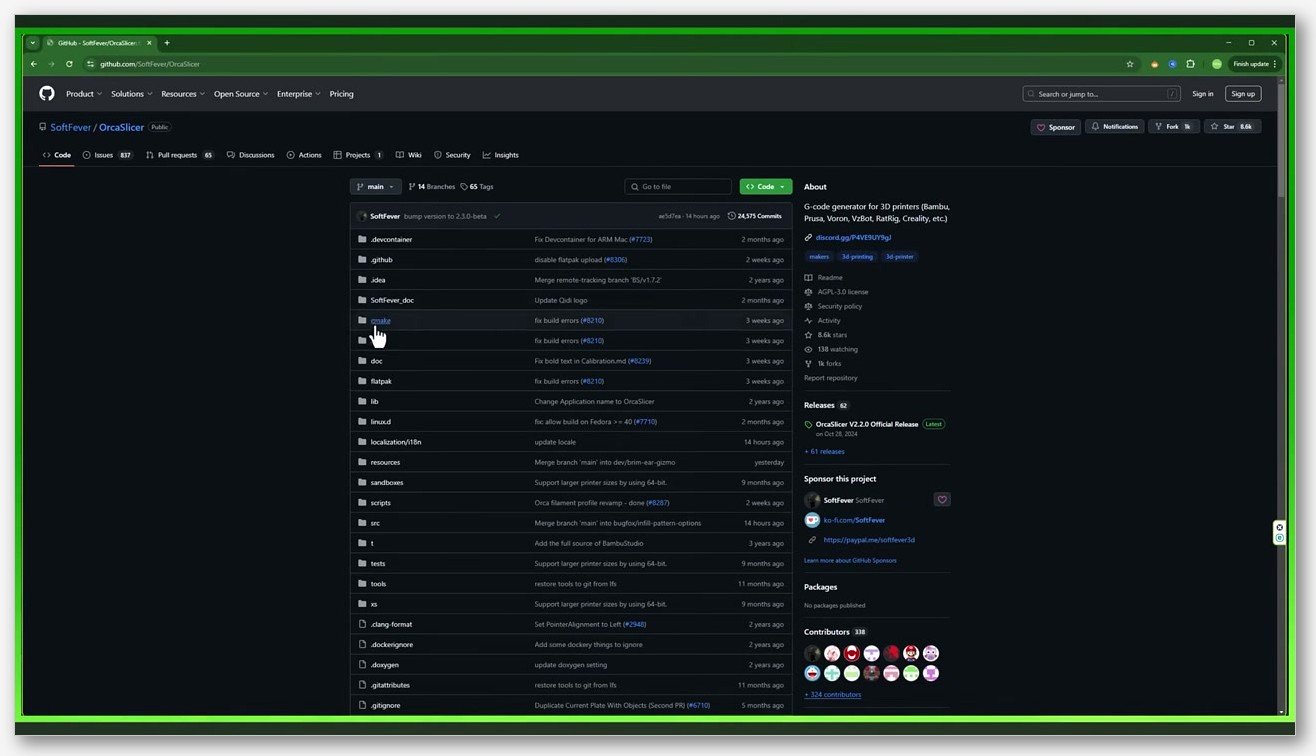
Here’s the path I use. Open Windows Security, click Virus & threat protection, scroll to Virus & threat protection settings, click Manage settings, scroll to Exclusions, and add the OrcaSlicer install folder (and the installer file itself if Defender already quarantined it). Then re-download the installer from the official OrcaSlicer GitHub releases page. There’s no maintainer comment yet in #12923 confirming the false positive, so for the full context on the detection and how to report it back to Microsoft, see our breakdown of the Defender false positive.
Windows: missing Visual C++ runtime fix
When OrcaSlicer just disappears with no error, or you see a generic “VCRUNTIME140.dll not found” style dialog, the cause is usually the Microsoft Visual C++ Redistributable not being installed. The OrcaSlicer README references MicrosoftEdgeWebView2RuntimeInstallerX64 and a vcredist component as runtime dependencies; the README’s vcredist note even mentions it’s “already available on your computer if you’ve installed visual studio,” which is the giveaway that a clean Windows install often lacks it.
Don’t chase a specific year (2019 vs 2022). Microsoft ships a unified v14 redistributable that covers everything from Visual Studio 2015 through 2022 in one installer, and that’s what the app actually needs. Grab the x64 build directly from Microsoft’s official VC++ download page, or use the permalink at https://aka.ms/vc14/vc_redist.x64.exe. Run it, reboot, then try OrcaSlicer again.
While you’re at it, check that WebView2 Runtime is installed too. Most modern Windows 11 systems have it preinstalled, but a stripped-down Windows 10 image or a “debloated” build sometimes doesn’t. If you’re rebuilding from scratch anyway, our fresh Windows install guide walks through both runtimes step by step.
Windows 11 slow launch and blank home screen (Issue #13239)
This one’s the freshest pain point in the tracker and it’s still unresolved. Issue #13239, opened in April 2026 and OPEN as of my last check, describes OrcaSlicer 2.3.2 taking around 90 seconds to launch on Windows 11 25H2 and then rendering an empty home and project view. The reporter’s rig is an Intel i7-13700K, 32GB DDR5, and an RTX 4090 on driver 595.97. The most telling detail in the thread: NVIDIA’s GeForce overlay treats OrcaSlicer as if it were a game, which suggests the GPU stack is doing something unusual during the slicer’s window initialization.
The reporter already tried driver updates, a clean reinstall, deleting the config folder, tweaking Windows graphics settings, disabling the NVIDIA overlay, and even switching the printer connection from LAN to USB. None of that worked. The one workaround mentioned in the thread is temporary, and I want to be clear that it does not actually fix the bug: “changing the language temporarily resolves the problem, though the issue returns upon closing and reopening the application.” So you can use it to get into the slicer for one session, but you’ll repeat the dance on every relaunch until SoftFever ships a real fix.
If you’re hit by this, I’d suggest two things. First, subscribe to #13239 on GitHub so you’ll get notified when a maintainer responds or a patch lands. Second, try the language-switch workaround (Help, then change the language to anything else, then back) once per session as a stopgap. I haven’t seen a permanent fix posted by anyone yet, and I’d rather flag that honestly than recommend the usual driver-roll snake oil.
Windows: corrupted profile reset done safely
A corrupted user profile is the cause of a surprising number of “OrcaSlicer won’t open” reports. Issue #2117 is a clean example: on Windows 10, the app launched into a settings-conflict modal (“Spiral mode only works when wall loops is 1, support is disabled…” and so on), then became unresponsive on either Yes or No, then closed itself. That issue was filed under not-planned without a maintainer fix, but the workaround pattern is well-known: nuke the data folder and let OrcaSlicer rebuild it on first run.
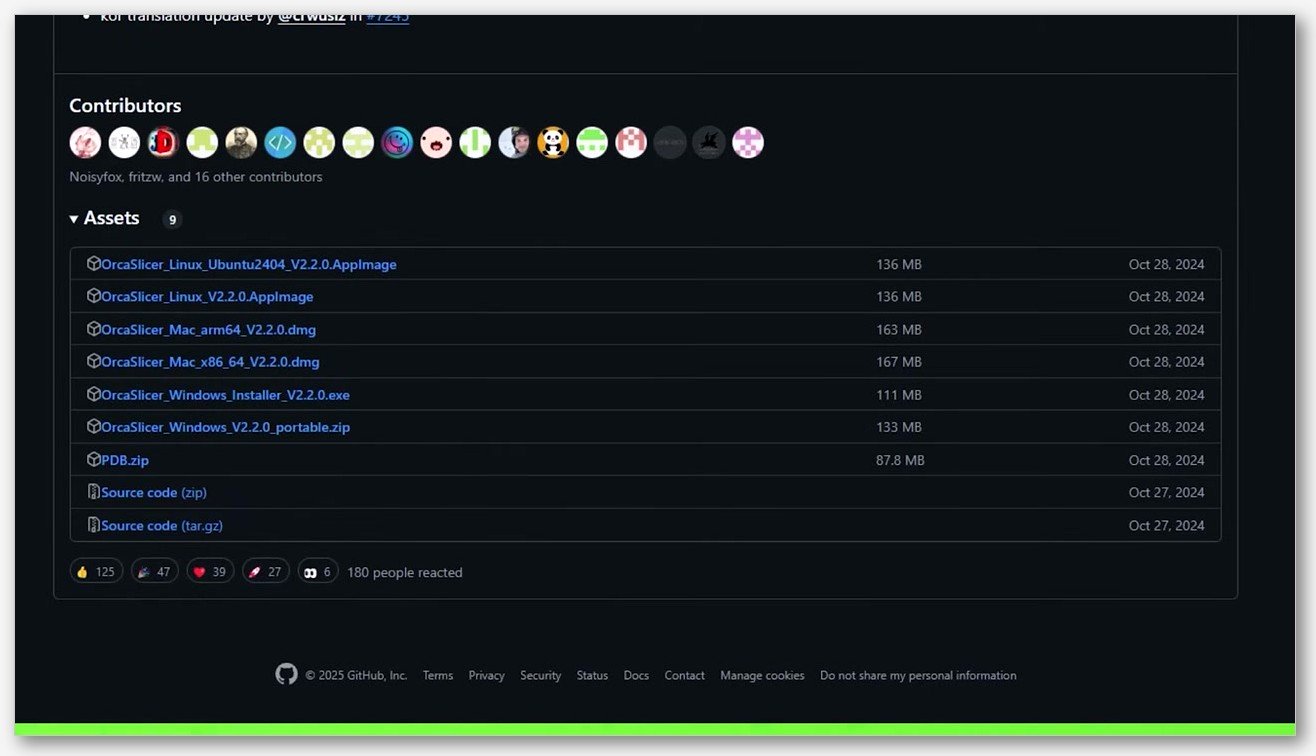
The path you’re deleting is %APPDATA%\OrcaSlicer, which expands to C:\Users\<username>\AppData\Roaming\OrcaSlicer. Discussion #5781 in the tracker spells it out: “just delete it’s data folder %appdata%/orcaslicer/”. Close OrcaSlicer first (check Task Manager to be sure), paste the path into File Explorer’s address bar, and delete the folder.
Here’s the part nobody warns you about clearly enough. Deleting that folder wipes every custom printer profile, every tuned filament preset, and every machine setting you’ve imported. Before you delete anything, please back up your profiles first using this guide. It walks through which subfolders to copy out before the reset so you can drop them back in afterward.
One more myth to clear up: there is no Help, then Reset Configuration menu item in OrcaSlicer. Several people in the tracker have asked for one, and it doesn’t exist. The closest thing the app gives you is Help > Show Configuration Folder, which just opens the folder in File Explorer so you can delete it manually. Don’t waste twenty minutes hunting for a menu that isn’t there.
macOS: “App is damaged and can’t be opened” Gatekeeper fix
This is the loudest macOS issue, full stop. You drag OrcaSlicer from the .dmg into Applications, double-click it, and get this dialog: “OrcaSlicer is damaged and can’t be opened. You should move it to the Bin.” The file isn’t actually damaged. macOS Gatekeeper slapped a quarantine attribute on the .dmg when you downloaded it, and the OrcaSlicer binary isn’t notarized in a way that lets Gatekeeper clear that attribute automatically. Issue #424 documents the exact dialog and the (slightly mangled) Terminal attempt the reporter made to clear it.
The Apple-blessed fix doesn’t use Terminal at all. From Apple’s own user guide: choose Apple menu, then System Settings, click Privacy & Security in the sidebar, scroll to the Security section, then click Open Anyway next to the OrcaSlicer entry. That button is available for about an hour after you try to open the app, so if you waited too long, just try launching OrcaSlicer once more and the button comes back. Confirm with your admin password, and the app launches.
If you’d rather do it from Terminal (it’s faster once you’ve done it a few times), the maintainer-blessed form lives right in the OrcaSlicer README under PR build instructions: xattr -dr com.apple.quarantine /Applications/OrcaSlicer.app. Open Terminal, paste that line exactly, hit Enter, type your password if asked, and launch OrcaSlicer normally. The -d flag deletes the attribute, the -r applies it recursively across the .app bundle’s contents, and com.apple.quarantine is the specific xattr Gatekeeper added.
One easy mistake the #424 reporter made: missing the space between com.apple.quarantine and the path. If you see “Not enough arguments for option -d. Expected at least 2 but got 1,” that’s the bug. The command needs com.apple.quarantine, a space, then the path. For a more thorough macOS first-run walkthrough, see our macOS install walkthrough.
macOS: Apple Silicon, Rosetta, and the right build
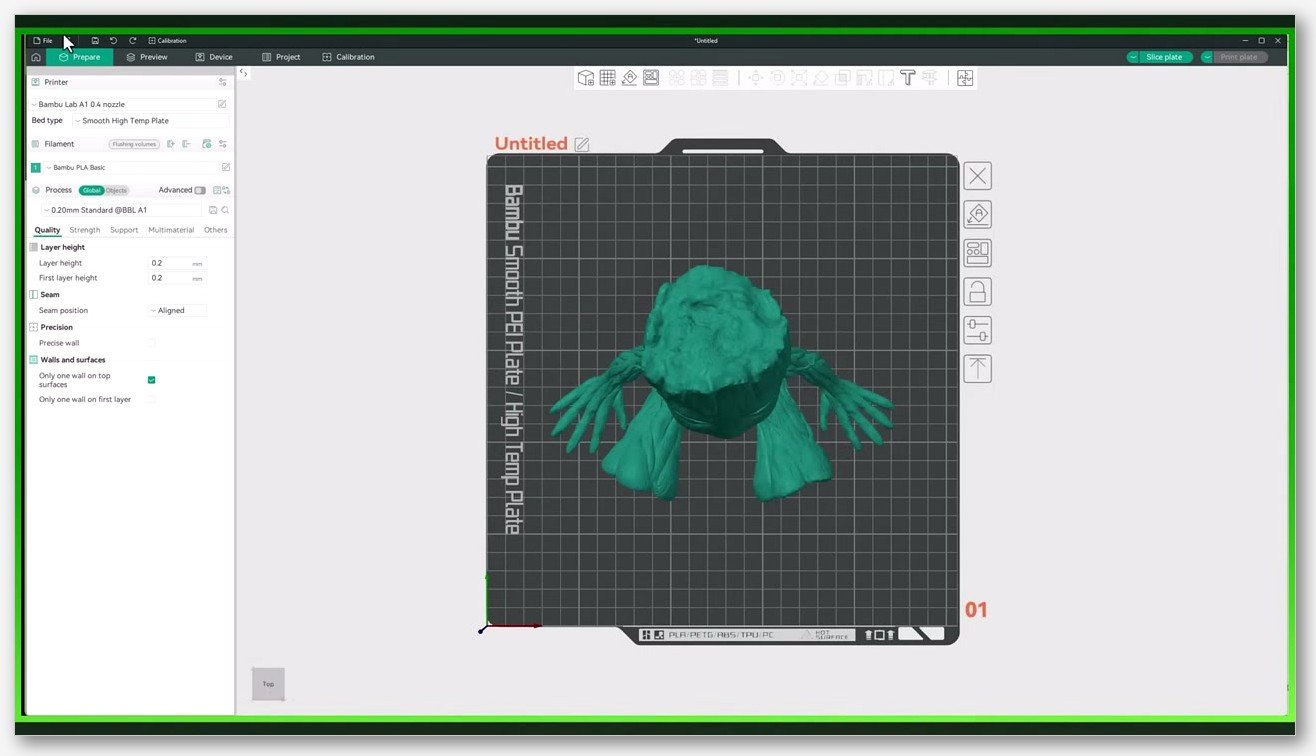
I want to head off a piece of advice that floats around forums: you do not need Rosetta to run OrcaSlicer on an M1, M2, M3, or M4 Mac. OrcaSlicer ships two macOS builds on every release: an arm64 build for Apple Silicon and an x86_64 build for Intel Macs. Grab the arm64 .dmg from the GitHub releases page and you get a native binary that doesn’t go anywhere near Rosetta. If you accidentally downloaded the x86_64 build on a recent Mac, Rosetta 2 will run it transparently (it’s preinstalled on macOS 11 and later), but performance won’t be as crisp and you may as well grab the right build.
The other Apple Silicon report worth knowing about is Issue #5604, where an M1 Pro on macOS Sonoma 14.5 hit “OrcaSlicer quit unexpectedly” on first launch. The crash log shows a line that worries people: [error] 3dx drivers module loading error: dlopen(/Library/Frameworks/3DconnexionClient.framework/3DconnexionClient, 0x0005). That error is OrcaSlicer probing for the 3Dconnexion SpaceMouse driver framework and logging a benign miss when it isn’t installed. It’s noisy in the log, but it doesn’t actually prevent launch on its own. If you’re crashing on first launch on M-series silicon, run the Gatekeeper fix above first, confirm you have the arm64 build, and only then start digging through the rest of the crash log.
Linux: AppImage permissions and FUSE library mismatches
Linux launch failures cluster around three things: the AppImage not being executable, FUSE not being installed, and webkit2gtk being the wrong version. They all produce errors that look scary but are quick to fix once you’ve seen them.
The permission one is the simplest. Right after you download the AppImage, run chmod +x OrcaSlicer*.AppImage in the same directory, then launch it with ./OrcaSlicer*.AppImage. If you’d rather not touch Terminal, right-click the file in your file manager, choose Properties, find Permissions, and tick “Allow executing file as program.” Same effect.
The FUSE issue hits Ubuntu 22.04 and 24.04 the hardest. Issue #5482 shows the verbatim error: dlopen(): error loading libfuse.so.2 \n AppImages require FUSE to run. Modern Ubuntu ships FUSE 3 by default, and AppImage needs FUSE 2’s libfuse.so.2. Fix it with sudo apt install libfuse2 on Debian-family distros, or sudo dnf install fuse on Fedora. If you can’t install libfuse2 for any reason, you can extract and run the AppImage instead: ./OrcaSlicer*.AppImage --appimage-extract creates a squashfs-root directory, and you can launch the binary from inside that folder without FUSE at all.
The webkit2gtk situation is messier because OrcaSlicer’s required version has shifted across releases. Issue #11828 on Fedora 43 gives you the modern symptom: error while loading shared libraries: libwebkit2gtk-4.1.so.0: cannot open shared object file. Fix that with sudo dnf install webkit2gtk4.1. Issue #185 shows the older variant on Fedora 37: libwebkit2gtk-4.0.so.37: cannot open shared object file, which needs the 4.0 package instead. The fix is the same shape, just match the version: if the error names 4.1, install the 4.1 package; if it names 4.0, install the 4.0 one. If neither is available in your distro’s repos, jump to the Flatpak option below.
Linux: when the Flatpak build saves you (Arch, Fedora, rolling distros)
Arch and other rolling-release distros have a habit of breaking OrcaSlicer’s bundled libraries when system updates land. Issue #6471 shows a Cairo/Pango segfault inside _cairo_ft_scaled_glyph_is_colr_v1 during glyph metric initialization, triggered by a routine system update. Issue #6739 shows a similar pattern with a locale crash: locale::facet::_S_create_c_locale name not valid, also on Arch. Both were closed not-planned. Both have the same root cause: the AppImage’s expectations about system libraries drift out of sync with what your distro currently provides.
The cleanest answer is the Flatpak build, which ships its own runtime and sidesteps the whole library-version dance. The v2.3.2 release notes spell it out: “The official Flathub version is now available. You can install it with this command: flatpak install flathub com.orcaslicer.OrcaSlicer.” That’s the new Flatpak ID, migrated from the older io.github.softfever.OrcaSlicer one you may see in older guides. If you’ve got Flathub configured, that single command installs OrcaSlicer with all its dependencies sandboxed and isolated from your system. As a quick diagnostic for the locale crash specifically, you can also try LC_ALL=C ./OrcaSlicer*.AppImage to see whether your system locale is the trigger, but if you’re on Arch and you want this to stop costing you afternoons, Flatpak is the answer I’d reach for.
Worth noting: the Flatpak install command uses com.orcaslicer.OrcaSlicer, but the older Flatpak config path on disk still uses io.github.softfever.OrcaSlicer in some setups. If you migrate from the old Flathub package to the new one, your config doesn’t auto-migrate, so plan to re-import your printer profiles.
OS version minimums and graphics requirements
If you’re on older hardware or an older OS release, it’s worth confirming you actually meet the minimums before you tear your install apart.
On macOS, the runtime minimum is macOS 11.0 Big Sur. The build target in OrcaSlicer’s CMake config is 11.3 (confirmed via the DeepWiki page for the macOS build), but in practice users on 11.0 have been able to launch the released arm64 and x86_64 builds. The README itself doesn’t publish a minimum macOS version, which is annoying but worth knowing if you’re triaging a launch failure on a vintage Mac.
On Windows, OrcaSlicer doesn’t publish an official minimum. Microsoft’s VC++ v14 redistributable supports Windows 10, Windows 11, and Windows Server 2016 and newer, so that’s the practical floor. Trying to launch OrcaSlicer on Windows 7 or 8.1 is going to be a bad time regardless of what other dependencies you install.
On Linux, there’s no published minimum kernel or glibc version. The realistic constraint is whatever version of FUSE 2 and webkit2gtk your distro can install. If you hit a GLIBC_X.YZ not found error, don’t try to upgrade glibc on a stable distro (that road ends in tears). Install the Flatpak instead.
For OpenGL, the error string OrcaSlicer surfaces when it can’t initialize the renderer cites “OpenGL version is lower than 2.0,” which makes 2.0 the practical launch floor. Higher OpenGL versions unlock smoother 3D rendering, but 2.0 is the minimum you need just to get a window on screen. If your graphics driver doesn’t support 2.0, you’re either on extremely old hardware or running inside a VM without GPU passthrough.
Where to find crash logs and FAQ
When the fixes above don’t get you in, the crash log is your next move. OrcaSlicer’s official bug report template lists the verbatim paths, and these are the right ones to attach to any new issue you file.
- Windows:
%APPDATA%\OrcaSlicer\log, which expands toC:\Users\<username>\AppData\Roaming\OrcaSlicer\log - macOS:
$HOME/Library/Application Support/OrcaSlicer/log(use Finder’s Go, then Go to Folder, then paste~/Library/Application Support/OrcaSlicer/log) - Linux (AppImage / native):
$HOME/.config/OrcaSlicer/log - Linux (Flatpak): inside
~/.var/app/io.github.softfever.OrcaSlicer/config/OrcaSlicer
If the app launches at all, even briefly, Help > Show Configuration Folder takes you straight to the right place in your file manager. That’s the one in-app menu that actually exists; there’s no Reset, no Repair, no Diagnostics. Just the folder, opened for you.
FAQ
Is the Defender Wacatac warning real malware? No, based on what’s documented so far. The !ml suffix on Trojan:Win32/Wacatac.H!ml means Microsoft’s machine-learning heuristic flagged it, not that a virus signature matched. The same heuristic has produced confirmed false positives against GitHub CLI, Docker Desktop, nw.js, and the .NET runtime. Re-download from the official GitHub releases page and add a Defender exclusion if needed.
Will deleting %APPDATA%\OrcaSlicer wipe my custom printer profiles? Yes, every one of them, along with filament presets, machine settings, and any tuning you’ve done. Back them up first using the guide linked in the profile-reset section above.
Why doesn’t OrcaSlicer have a Help, then Reset Configuration menu item? It doesn’t, and there’s no plan documented to add one. Discussion #5781 confirms the only reset path is the manual folder deletion. The menu item you might be remembering from other slicers (PrusaSlicer has one) isn’t here.
Can I run OrcaSlicer on macOS 10.15 Catalina or Windows 7? Practically no. macOS 11.0 Big Sur is the realistic floor, and Windows 10 is where the VC++ v14 redistributable stops being officially supported on the bottom end. You’ll either fail to launch or hit dependency errors that aren’t worth chasing.
The app launches but then crashes the moment I slice anything. Is that a launch bug? No, that’s a separate class of issue with its own causes (GPU driver, model geometry, support generation). If that’s you, see our guide for when OrcaSlicer crashes during slicing.
If you’ve worked through everything here and you’re still stuck at a blank window or a damaged-app dialog, the next move is filing a fresh GitHub issue with your OS version, OrcaSlicer version, GPU model, and the log files from the paths above. The maintainers triage faster when they get a complete bug report than when they get “won’t open, help.” And if you want a wider tour of weird OrcaSlicer behaviors that aren’t strictly launch-related, the full troubleshooting master guide linked above covers the rest of the failure modes I’ve collected.
Related OrcaSlicer guides
- OrcaSlicer Troubleshooting: Master Index of Every Common Fix
- Elephant Foot in OrcaSlicer: Compensation Done Right (2026 Guide)
- OrcaSlicer Settings Not Saving: Diagnose the Profile Reset Bug
- OrcaSlicer Warping & Lifting Corners: Fixes That Actually Work (2026)
- OrcaSlicer Cornering & Junction Deviation Calibration (2026)