I installed three OrcaSlicer-looking apps in one afternoon last winter, and by the third one I genuinely could not tell which fork was loaded when I double-clicked the dock icon. I’d grabbed upstream OrcaSlicer for my Voron, Orca-Flashforge for a borrowed Adventurer 5M, and Anycubic Slicer Next because a friend wanted help slicing on his Kobra, and every single one of them booted into the same purple-tinted layout with slightly different printer-pickers.
That confusion is the entire reason this article exists. OrcaSlicer has become the slicer everyone forks, and by mid-2026 there are four major vendor forks shipping in parallel with the canonical SoftFever build. I’ve installed all five over the past year, dug through their READMEs, and figured out the lineage the hard way. Here’s the clean version so you don’t have to.
Quick note before we start: orcaslicer.net is a third-party content site, not the official project at orcaslicer.com. All download links below go to the canonical GitHub releases or each vendor’s own download page, never to a binary hosted here.
Table of contents
- Why so many OrcaSlicer forks exist
- The lineage chain: Slic3r to vendor forks
- The five forks at a glance
- Upstream: OrcaSlicer by SoftFever
- Orca-Flashforge for Adventurer 5M, 5M Pro, AD5X
- Anycubic Slicer Next for the Kobra line
- ELEGOO Slicer for Centauri Carbon and CANVAS
- Snapmaker Orca for the U1
- Snapmaker Luban is NOT an OrcaSlicer fork
- Decision rubric: which fork should you install?
- FAQ
Why so many OrcaSlicer forks exist
The short answer is licensing plus incentive. OrcaSlicer is licensed under AGPL-3.0, which means any vendor who wants a slicer tightly bound to their hardware can fork the project, swap in their own networking layer, brand the splash screen, and ship it, as long as they publish the modified source. That’s a lot cheaper than writing a slicer from scratch, and it ships with a UI that hobbyists already recognize.
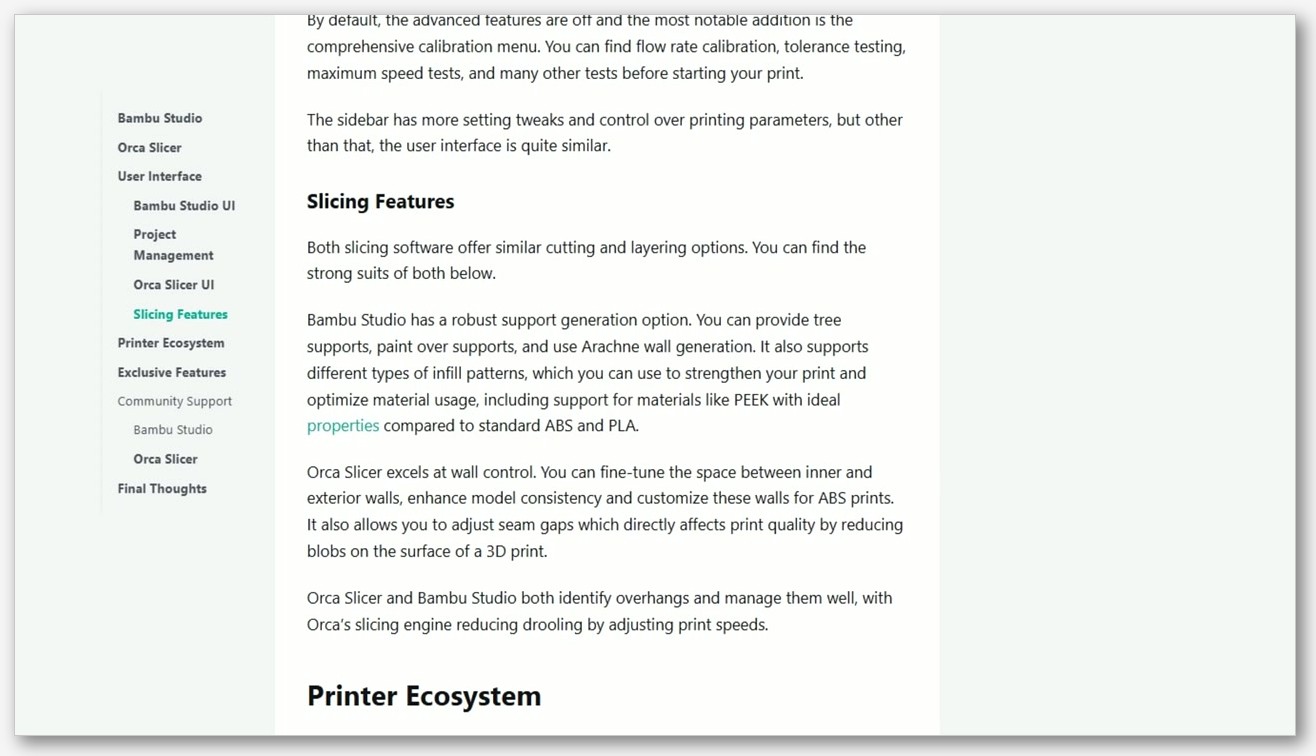
It also isn’t a new trick. Prusa Research set this pattern back in 2018 when they rebranded their long-running Slic3r-PE fork as PrusaSlicer. SoftFever continued the pattern in 2022 by forking Bambu Studio into OrcaSlicer. So when FlashForge, Anycubic, ELEGOO, and Snapmaker each looked at OrcaSlicer in 2023 and 2024 and thought “this is the best community slicer, let’s brand our own version,” they were just doing the same thing Prusa did to Slic3r and Bambu Lab did to PrusaSlicer.
What vendors actually add in their forks is pretty consistent across the four. They bolt on a proprietary or semi-proprietary networking plugin so the slicer can push G-code over LAN or cloud to their printer. They pre-tune filament and printer profiles for their specific machines. And in a few cases (Orca-Flashforge with the AD5X being the standout) they add vendor-exclusive multi-material features that haven’t landed upstream yet. What they don’t typically do is improve the slicing engine itself. That work happens upstream at SoftFever’s repo.
The lineage chain: Slic3r to vendor forks
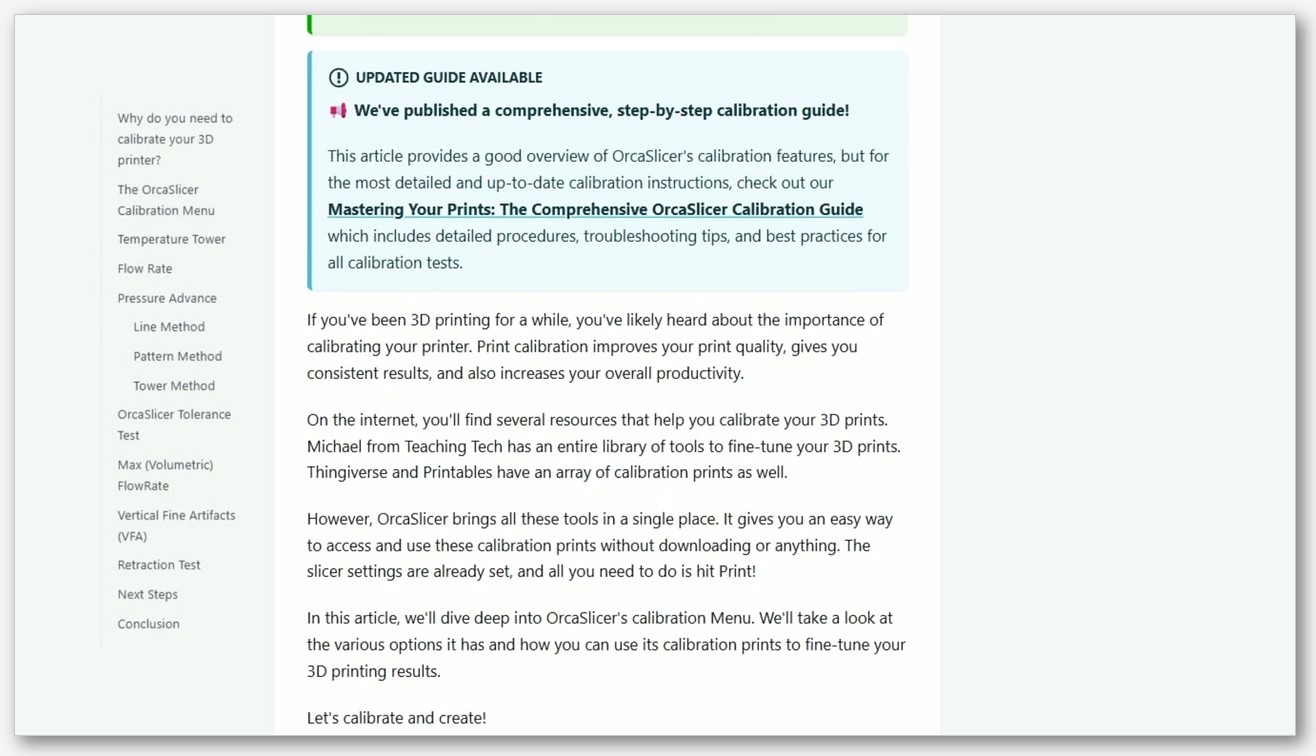
Here’s the full ancestry, with dates I’ve cross-checked against each repo’s README.
- Slic3r (2011): Alessandro Ranellucci’s original RepRap-era slicer. Still around as a project.
- PrusaSlicer (2018 rebrand from Slic3r-PE): Prusa Research took their long-running Slic3r-PE fork and rebranded it as a standalone product.
- Bambu Studio (2022): Bambu Lab forked PrusaSlicer when they launched the X1 Carbon. Their README still credits “PrusaSlicer by Prusa Research, which is from Slic3r by Alessandro Ranellucci and the RepRap community.”
- OrcaSlicer (2022): SoftFever forked Bambu Studio shortly after launch, originally as “BambuStudio-SoftFever,” then renamed it OrcaSlicer. The README’s heritage statement reads: “OrcaSlicer began in that same spirit, drawing from BambuStudio, PrusaSlicer, and ideas inspired by CuraSlicer and SuperSlicer.”
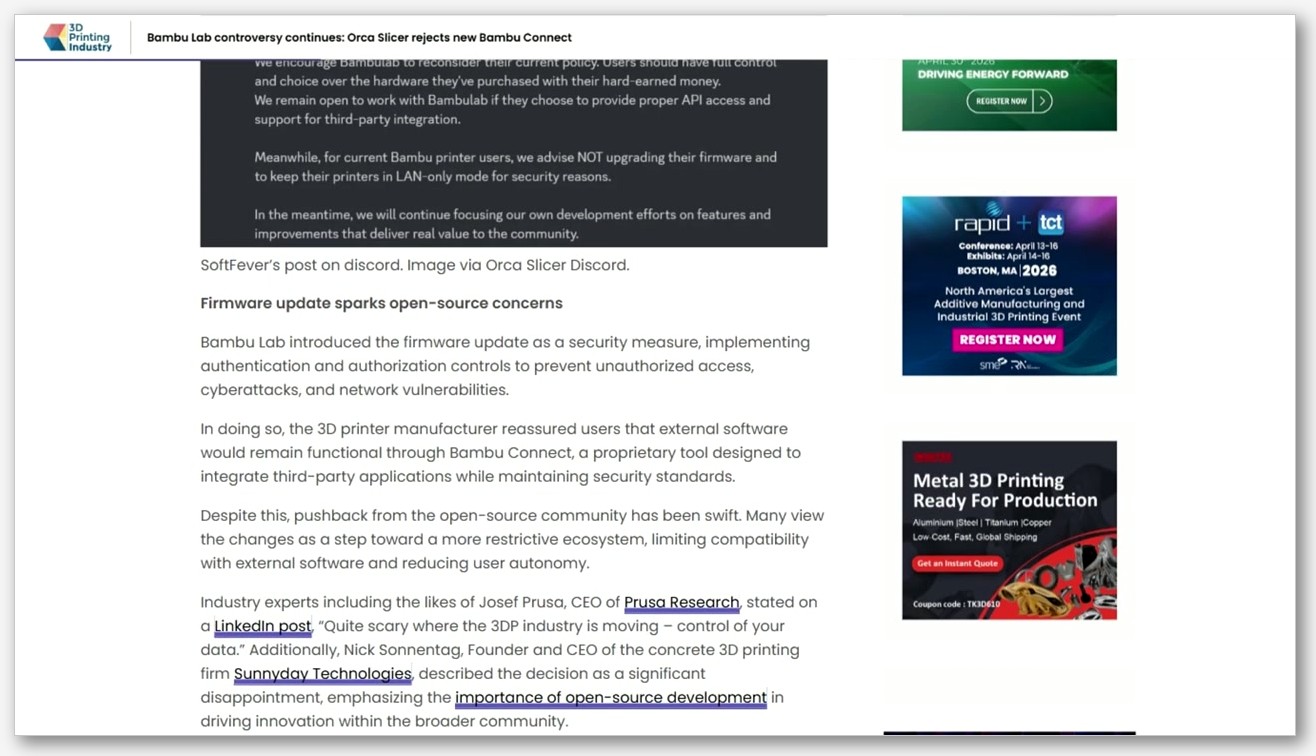
- Vendor forks of OrcaSlicer (2023 onward): Orca-Flashforge, Anycubic Slicer Next, ELEGOO Slicer, and Snapmaker Orca.
The license at every node in that chain is AGPL-3.0. That’s important. AGPL is a copyleft license, so each downstream fork has to publish its modified source code. It is not, as some marketing pages imply, “open source forever” in any magical sense. It just requires that derivative works publish source under the same terms. The “A” in AGPL extends GPL to network-deployed code, which is why even cloud-only forks would need to publish source if they shipped one.
One small workaround you’ll see in two of the forks: the proprietary networking plugins (FlashForge’s and Bambu Lab’s) are explicitly carved out as separate optional binaries based on non-free libraries. The Orca-Flashforge README spells it out: “the flashforge networking plugin is based on non-free libraries from FlashForge. It is optional to the Orca-Flashforge and provides extended functionalities.” The AGPL’d slicer core ships open, and the closed networking shim ships as a separate optional download. That’s a pretty standard pattern in this space and it’s been blessed by enough lawyers at this point that nobody really argues about it anymore.
The five forks at a glance
Here’s the side-by-side. I built this table from each repo’s Releases page and README on May 17 2026. Versions move, so check the linked release pages before downloading.
| Fork | Repo | License | Latest version | Primary printer scope | Distribution |
|---|---|---|---|---|---|
| OrcaSlicer (SoftFever) | SoftFever/OrcaSlicer | AGPL-3.0 | v2.3.2 (Mar 23, 2026) | Hundreds of printers across Bambu, Voron, Klipper, Prusa, Creality, Anycubic, Elegoo, FlashForge | GitHub Releases |
| Orca-Flashforge | FlashForge/Orca-Flashforge | AGPL-3.0 | 1.7.x (main branch, last merged Jan 19, 2026) | Adventurer 5M, 5M Pro, AD5X, Guider 3 Ultra, Creator 5 Series | flashforge.com download page (GitHub Releases tab is empty) |
| Anycubic Slicer Next | ANYCUBIC-3D/AnycubicSlicerNext | AGPL-3.0 | v2.3.0 stable (Mar 18, 2025) plus nightly tag (Jul 29, 2025) | Anycubic Kobra series and Photon Mono FDM | anycubic.com portal and Anycubic Wiki (no GitHub releases) |
| ELEGOO Slicer | ELEGOO-3D/ElegooSlicer | AGPL-3.0 | v1.5.0.7 (Apr 16, 2026) | Centauri Carbon 2, CANVAS, OrangeStorm Giga | GitHub Releases |
| Snapmaker Orca | Snapmaker/OrcaSlicer | AGPL-3.0 | V2.3.1 (mid-April, year per repo Releases) | U1-optimized today, Artisan / 2.0 / J1 / J1s via third-party path | GitHub Releases plus Snapmaker Wiki |
A couple of things stand out. Two of the four vendor forks (Orca-Flashforge and Anycubic Slicer Next) don’t publish GitHub Releases at all. Their source lives on GitHub for AGPL compliance, but the binaries you actually run come from the vendor’s own site. The other thing is the version-lag pattern: Anycubic’s stable tag is over a year behind upstream’s v2.3.2, while ELEGOO and Snapmaker stay within weeks.
Upstream: OrcaSlicer by SoftFever
This is the reference build. If you’re new to the OrcaSlicer family or you’re not sure which fork to pick, download upstream first and only switch if a specific need pushes you. The repo is at github.com/SoftFever/OrcaSlicer and the latest stable as of writing is v2.3.2, released March 23 2026, which addressed a 3MF security vulnerability and added a configurable wipe tower type setting.
The README opener is worth quoting because it sets the project’s positioning: “OrcaSlicer: an open source Next-Gen Slicing Software for Precision 3D Prints. Optimize your prints with ultra-fast slicing, intelligent support generation, and seamless printer compatibility, engineered for perfection.”
The project is maintained by the @SoftFever GitHub handle. I want to flag something here because I’ve seen it floated in forums: I cannot verify any real-name attribution for SoftFever from primary sources, so I’m not going to put a name on the person. The GitHub handle is what’s verified, and the README credits community member Justin Levine for the logo.
What makes upstream the safe default is profile coverage. SoftFever’s build ships pre-tuned profiles for Bambu printers, Voron variants, Klipper builds, Prusa machines, Creality, Anycubic, ELEGOO, FlashForge, and more, all maintained by the community. The 3DPrinting.com 2026 roundup put it well: “continuous nightly builds with stable releases every one to three months, hundreds of community-maintained printer profiles.” If your printer is in there and you don’t need a vendor’s proprietary cloud workflow, you don’t need a fork.
Orca-Flashforge for Adventurer 5M, 5M Pro, AD5X
Orca-Flashforge is the fork I’d pick if I owned an Adventurer 5M, 5M Pro, AD5X, or Guider 3 Ultra. The README opener is simple: “Orca-Flashforge is an open source slicer for FDM printers.” But the value is in what FlashForge bolts on top.
First, the distribution quirk: the GitHub Releases tab at github.com/FlashForge/Orca-Flashforge is empty. There are no binaries published there. The source is up for AGPL compliance, but the installers you actually want are on the FlashForge official download page at flashforge.com/pages/orca-flashforge. Don’t waste twenty minutes on the Releases tab like I did the first time. The main branch is currently on the 1.7 line (last big merge was Jan 19 2026, per the commits view).
Second, the supported-printer list is narrow but deep. Per FlashForge’s official page, the fork is “specifically optimised for its hardware, including the Adventurer 5M, Adventurer 5M Pro, AD5X and the Guider 3 Ultra,” plus the Creator 5 Series. If your FlashForge machine isn’t on that list, upstream OrcaSlicer will probably serve you better.
Third, there’s a firmware prerequisite for LAN or WAN connection. Per the FlashForge download page, “it is necessary to upgrade the firmware of Adventurer 5M series to Version 2.6.5-2.2.3” before the networking plugin works end-to-end. If you’ve never updated the printer firmware, do that before you install the slicer or the one-click upload feature will silently fail.
Fourth, and this is the one that genuinely matters: the AD5X’s IFS multi-color workflow works correctly in Orca-Flashforge today, while it’s still got reported issues in upstream OrcaSlicer (multiple issues on the SoftFever repo over the past several months). If you have an AD5X and you’re doing multi-material prints, the vendor fork is the safer choice right now. For more on this specific machine, see our OrcaSlicer with FlashForge Adventurer 5M guide.
Anycubic Slicer Next for the Kobra line
Anycubic Slicer Next is the fork I’d be most cautious about recommending. It’s a perfectly fine slicer, but the version lag and the profile-coverage gap mean upstream OrcaSlicer is genuinely the better pick for many Anycubic owners.
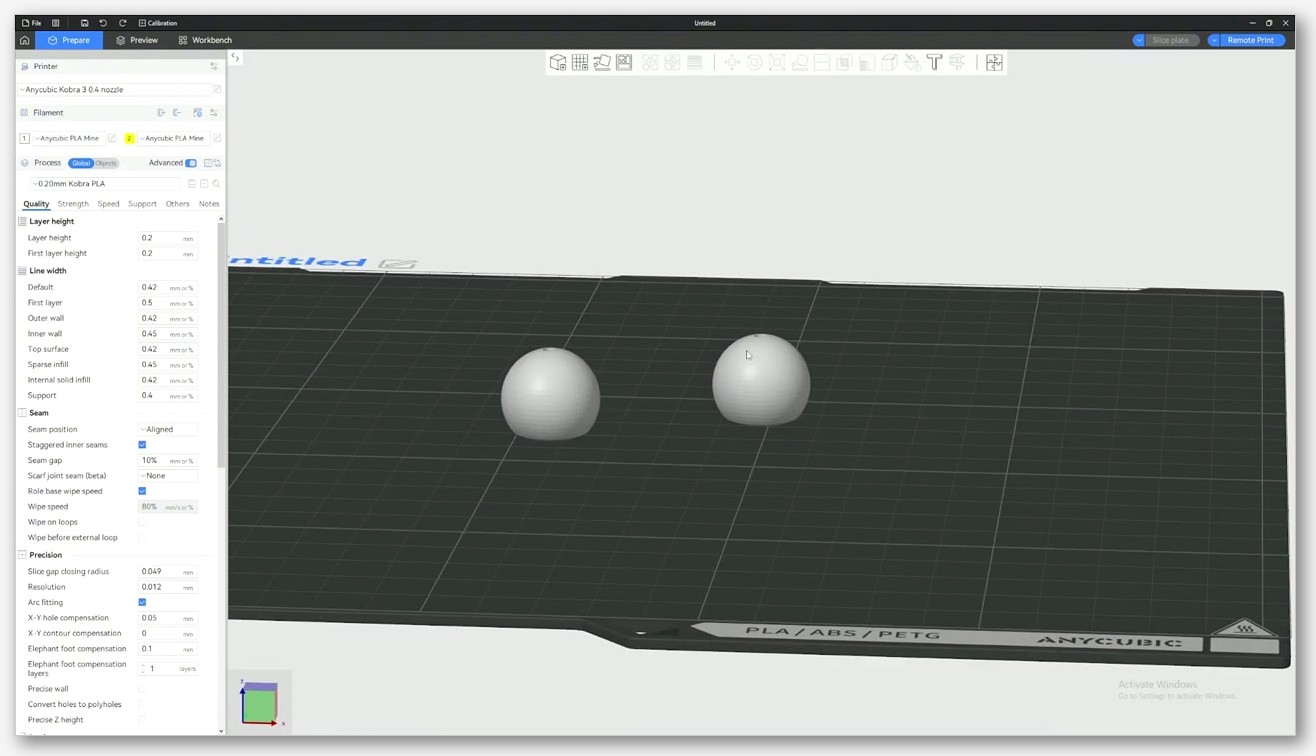
First, the lineage is unambiguous. The README at github.com/ANYCUBIC-3D/AnycubicSlicerNext opens with: “AnycubicSlicerNext is an open-source slicing software developed based on OrcaSlicer. It delivers powerful slicing performance and an exceptional user experience.” Anycubic doesn’t hide it, but I’ve seen plenty of confused forum posts treating ASN as an independent slicer. It isn’t. It’s an OrcaSlicer fork.
Second, the version situation is messy. The Releases page on GitHub says “There aren’t any releases here.” The Tags page shows v2.3.0 stable on Mar 18 2025, plus a nightly-builds tag from Jul 29 2025. Main-branch commits continue into 2026. Distribution happens via anycubic.com/orcaVersionDownload and the Anycubic Wiki. So when you install ASN today, the stable build is over a year behind upstream’s v2.3.2.
Third, profile coverage. ASN ships fewer Anycubic-machine profiles than upstream OrcaSlicer (the gap covers a handful of models including the Kobra 3 Max, Kobra Neo, Kobra X, and Predator, which are in upstream but missing from ASN’s last stable). Anycubic also markets its built-in calibration suite as a headline feature, but that calibration stack is inherited from PrusaSlicer 2.5.0 and onward. Anycubic didn’t invent it; they got it the same way upstream OrcaSlicer did, by being downstream of PrusaSlicer’s lineage.
So why would you install ASN at all? Genuine reasons: native cloud/LAN integration with Anycubic’s printer ecosystem, the Anycubic remote-monitoring experience, and per-machine tuning Anycubic publishes for their newer models. If you live in the Anycubic app universe, the integration is real. If you don’t care about the cloud workflow, upstream OrcaSlicer with the right profile loaded is the snappier choice. We’ve got a deeper head-to-head at OrcaSlicer vs Anycubic Slicer Next.
ELEGOO Slicer for Centauri Carbon and CANVAS
ELEGOO Slicer is the fork I want to clear up the most confusion around. There’s an older ELEGOO slicer (from the Neptune era) that was Cura-based, and you’ll still find blog posts and forum threads describing “ELEGOO Slicer” as a Cura fork. That’s outdated. The modern Centauri-era ELEGOO Slicer is an OrcaSlicer fork.
The README at github.com/ELEGOO-3D/ElegooSlicer states it plainly: “ElegooSlicer is an open-source slicer compatible with most FDM printers. Currently, ElegooSlicer is undergoing rapid iteration, with more features to be released soon.” The heritage statement is also explicit: “ElegooSlicer is based on Orca Slicer by SoftFever,” with reference to “Orca Slicer is based on Bambu Studio by BambuLab.” Hackster.io’s Centauri Carbon review and 3DWithUs’s Centauri Carbon 2 coverage both confirm the same.
Releases are active. The current build is v1.5.0.7, released April 16 2026, supporting the Centauri Carbon 2, CANVAS, and OrangeStorm Giga, with a new “Beginner Guide” feature. v1.3.0.11 from January 2026 brought Nexprint integration and support for ELEGOO N4 and newer.
One hardware caveat that’s caught a lot of CC1 owners: stock Centauri Carbon 1 firmware does not expose Moonraker, so ELEGOO Slicer can only do LAN-IP upload on a stock CC1. If you want real Klipper, you need the OpenCentauri community firmware. The CC2 doesn’t have this limitation. For more practical setup notes, see our OrcaSlicer with ELEGOO Centauri Carbon guide.
Snapmaker Orca for the U1
The Snapmaker fork is the youngest and the narrowest in scope. The repo at github.com/Snapmaker/OrcaSlicer opens with: “Snapmaker Orca is an open source slicer for FDM printers based on OrcaSlicer.” The lineage statement is unusually candid: “Snapmaker Orca is originally forked from Snapmaker_Orca. Snapmaker_Orca is originally forked from Bambu Studio, it was previously known as BambuStudio-SoftFever.” Treat the Snapmaker_Orca and BambuStudio-SoftFever names as internal renames in Snapmaker’s own history, not as separate first-party projects.
Latest release per the GitHub Releases page is V2.3.1, mid-April. It adds 0.2, 0.6, and 0.8 mm nozzle options, a “Graphic Effect Plate,” renames the “Smooth High Temp Plate” to “Smooth PEI Plate,” and fixes a U1 filament-info retrieval bug. It’s a healthy release pace.
The catch is scope. Snapmaker Orca is currently U1-optimized. The Snapmaker Wiki maintains two separate quick-start guides: “Snapmaker Orca Quick Start Guide for U1” and “Snapmaker Orca Quick Start Guide for Artisan, 2.0, and J1/J1s.” The second of those exists because broader Artisan / 2.0 / J1 / J1s support is rolling out gradually through the V2.x cycle, but it goes through a third-party software path rather than native direct connection. If you own one of those older Snapmaker machines today, mainline OrcaSlicer is still the safer default. If you own a U1, Snapmaker Orca is the right pick.
Snapmaker Luban is NOT an OrcaSlicer fork
Quick clarification because this comes up constantly. Snapmaker Luban is Snapmaker’s older slicer GUI. It is not an OrcaSlicer fork. Luban’s slicing engine is called LunarSlicer, and LunarSlicer is a maintained fork of CuraEngine on a “maintain-4.8” branch, per the LunarSlicer README on GitHub. The original Ultimaker/CuraEngine README text and references are still intact in the LunarSlicer repo.
So if you’re running Luban, you’re running a CuraEngine-derived engine with Snapmaker’s GUI on top. Different lineage entirely from anything in this article. If you’ve been treating Snapmaker Orca and Snapmaker Luban as two skins on the same engine, they’re not. They’re two unrelated codebases that happen to ship from the same vendor.
Decision rubric: which fork should you install?
Here’s the rule I’d give a friend. Default to upstream OrcaSlicer. Switch to a vendor fork only when there’s a specific reason. The most common reasons are:
- You want native cloud or LAN upload to the vendor’s printer. Vendor forks ship the networking plugin pre-wired. Upstream can usually do LAN upload too, but cloud features are vendor-specific.
- You need a vendor-exclusive feature. The clearest case today is the AD5X IFS multi-color workflow, which works in Orca-Flashforge but is still buggy upstream.
- The vendor has pre-tuned filament and machine profiles you’d otherwise have to build by hand.
By printer brand, here’s where I’d land today:
- Bambu Lab printer: Upstream OrcaSlicer, full stop. Or stay on Bambu Studio if you want the Bambu cloud experience. See OrcaSlicer vs Bambu Studio for the head-to-head.
- Voron, Prusa, Creality, generic Klipper: Upstream OrcaSlicer.
- FlashForge Adventurer 5M, 5M Pro, AD5X, Guider 3 Ultra: Orca-Flashforge from the official FlashForge download page. Especially if you want AD5X IFS multi-color.
- FlashForge printer NOT on the supported list: Upstream OrcaSlicer.
- Anycubic Kobra and Photon Mono FDM: Try upstream first. Switch to Anycubic Slicer Next only if you want the cloud integration.
- ELEGOO Centauri Carbon, CC2, CANVAS: ELEGOO Slicer is a fine pick. Upstream works too. For CC1 on stock firmware, network upload is LAN-IP only.
- ELEGOO Neptune-series: ELEGOO Slicer v1.1.8.2 still supports the Neptune line; upstream OrcaSlicer also has community profiles.
- Snapmaker U1: Snapmaker Orca.
- Snapmaker Artisan, 2.0, J1, J1s: Upstream OrcaSlicer for now. Snapmaker Orca support is still U1-first.
One side note on update cadence. Upstream typically ships stable releases every one to three months with continuous nightlies. Orca-Flashforge does vendor batch-merges every couple of months. ELEGOO and Snapmaker stay roughly quarterly. Anycubic Slicer Next’s stable is the laggard by a noticeable margin. If you care about getting the newest slicing-engine improvements quickly, upstream wins every time.
FAQ
Are all OrcaSlicer forks licensed the same way?
Yes. Every node in the chain (Slic3r, PrusaSlicer, Bambu Studio, OrcaSlicer, all four vendor forks) is AGPL-3.0. That’s a copyleft license, which means each downstream fork is required to publish its modified source. AGPL also extends the copyleft to network-deployed code, which is the “A” in AGPL.
Is Bambu Studio a fork of OrcaSlicer?
No, the other way around. Bambu Studio is OrcaSlicer’s parent. Bambu Lab forked PrusaSlicer in 2022, and SoftFever forked Bambu Studio shortly after to create OrcaSlicer. Bambu Studio’s README still states it’s “based on PrusaSlicer by Prusa Research, which is from Slic3r by Alessandro Ranellucci and the RepRap community.”
Can I switch between forks without losing my profiles?
Mostly yes. All of these forks use a common 3MF project format inherited from PrusaSlicer’s lineage, and filament and process profiles can usually be exported from one fork and imported into another with minor tweaks. Machine profiles are trickier because vendor forks add custom G-code start/end blocks for their networking plugins. Expect to redo a small amount of per-printer setup when you switch.
Why do some vendor forks have an empty GitHub Releases tab?
AGPL-3.0 requires that source be published, not that binaries be hosted on GitHub. FlashForge and Anycubic publish source to satisfy the license but distribute compiled binaries through their own download portals. If you go to the Releases tab on those repos expecting an installer, you’ll be disappointed. Use the vendor’s official download page.
What’s the difference between Snapmaker Orca and Snapmaker Luban?
Different codebases entirely. Snapmaker Orca is an OrcaSlicer fork. Snapmaker Luban is Snapmaker’s older slicer GUI built on top of LunarSlicer, which is a CuraEngine fork. They share a vendor and nothing else.
Did Anycubic invent the calibration suite in Anycubic Slicer Next?
No. The calibration suite (flow rate, pressure advance, max volumetric speed, and so on) is inherited from PrusaSlicer 2.5.0 and onward. Upstream OrcaSlicer has the same calibration tools because both projects sit downstream of PrusaSlicer’s lineage.
Will OrcaSlicer still keep getting updates if I’m on a vendor fork?
Upstream development is independent. SoftFever’s repo keeps shipping engine improvements regardless of what the vendors do downstream. Vendor forks pull those improvements on their own schedule, which is why ASN is over a year behind upstream stable while ELEGOO and Snapmaker stay within weeks.
That’s the lineage as cleanly as I can lay it out. If you remember nothing else: install upstream OrcaSlicer first, and only switch to a vendor fork when there’s a specific feature or networking integration you need. For more on the upstream-versus-parent debate, our OrcaSlicer vs Bambu Studio piece covers the other end of the family tree.