
I’ve now installed OrcaSlicer on a Raspberry Pi 5, a battered Core i5 Windows laptop from 2015, and an M2 Mac mini, partly because I was curious and partly because every “system requirements” page I found online disagreed with the next one. What I kept hitting was the same gap: the project’s own README doesn’t actually publish minimum specs, yet half the internet quotes a confident “4 GB RAM minimum, 8 GB recommended, Core i3, OpenGL 3.3” table that nobody can trace back to a primary source.
So this is my honest writeup. I’ll show you what the OrcaSlicer GitHub repo actually says (and doesn’t say), where the real per-OS floors come from, what GPU and RAM and CPU truly do during a slice, and which numbers floating around in 2026 are just guesses dressed up as facts. If you want the installer itself, grab it from the official OrcaSlicer GitHub releases page rather than any mirror.
Table of contents
- What the OrcaSlicer team actually publishes
- OS minimums you can trust
- The OpenGL 2.0 reality
- GPU is for the viewport, not slicing
- RAM and CPU, what actually matters
- The 4 GB / Core i3 myth
- Linux gotchas: GLIBC, FUSE, Flatpak
- What to actually buy
- FAQ
What the OrcaSlicer team actually publishes for system requirements
I went straight to the source before writing a single recommendation. The OrcaSlicer GitHub repo is the canonical reference, and its README is what you’d reasonably treat as the official word. I read the whole thing twice. There is no “System Requirements” section. There is no minimum RAM line. There is no CPU floor. There is no listed OpenGL version, no Vulkan target, no GPU compatibility table. The install section is purely instructional: download the Windows installer, drag the macOS app to Applications, grab the AppImage or the Flatpak on Linux.
The only runtime dependencies the README mentions at all are on Windows: Microsoft Edge WebView2 Runtime and the Visual C++ 2019 redistributable. That’s it. Everything else you’ve read about minimum specs has been inferred by someone and copy-pasted across mirror sites and AI summaries until it looked official.
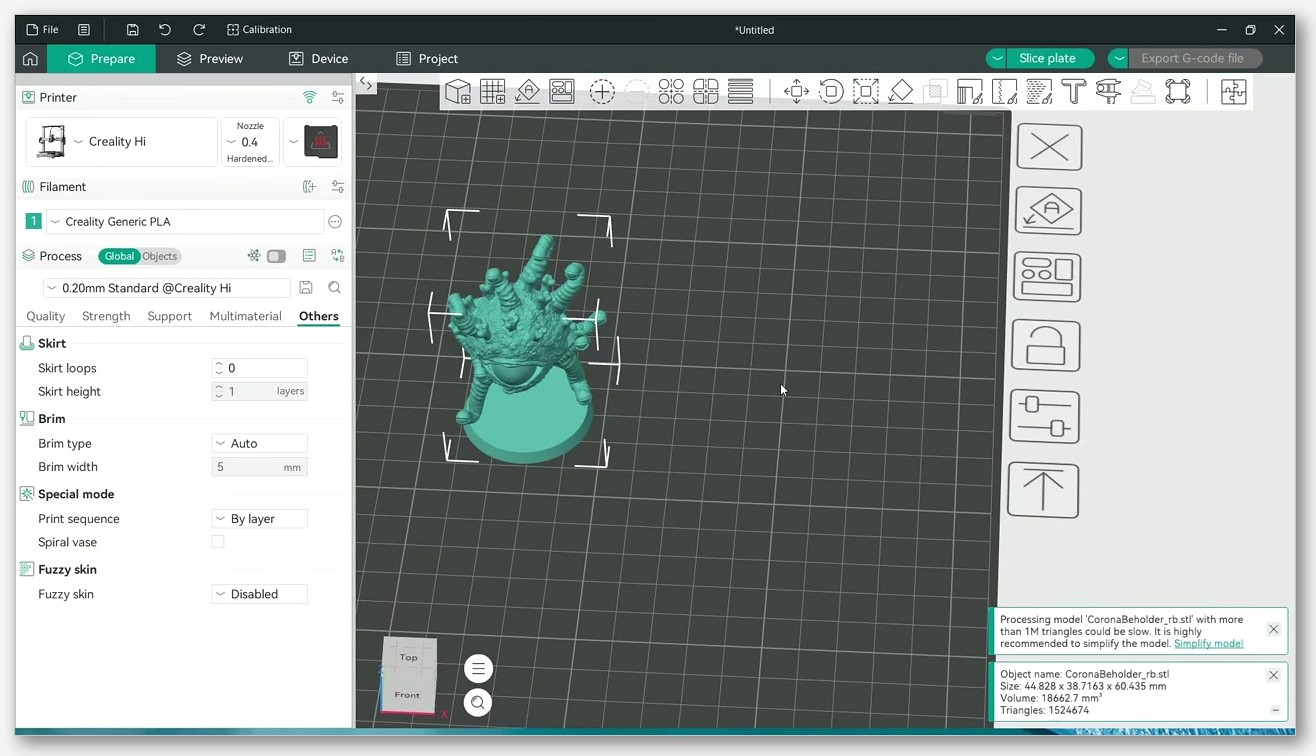
So this guide is written from the position the README forces on anyone honest: there’s no published minimum spec, only the runtime hints buried in the code, the error strings the app actually throws, and the real-world bug reports that show what passes and what doesn’t.
OS minimums you can actually trust
Here’s what I can verify from primary sources, broken out per OS.
Windows. The README lists two runtime deps: MicrosoftEdgeWebView2RuntimeInstallerX64 and vcredist2019_x64. Both ship with reasonably modern Windows 10 and 11, but if either is missing the app won’t launch. The v2.3.2 build is 64-bit only (asset name: OrcaSlicer_Windows_Installer_V2.3.2.exe). My 2015 i5 laptop runs it fine on Windows 10 22H2. Worth flagging Issue #13239, where a user with an i7-13700K, 32 GB DDR5-6000, and an RTX 4090 reported a ninety-second launch on Windows 11 25H2 with OrcaSlicer 2.3.2. That’s not a hardware bottleneck, that’s the app itself, and it’s a reality check against the “throw more hardware at it” instinct.
macOS. The CMakeLists.txt includes set(CMAKE_OSX_DEPLOYMENT_TARGET "11.3" CACHE STRING "Minimum OS X deployment version" FORCE). That’s the build deployment target (the SDK level the binaries are compiled against), not a runtime line saying “macOS 11.3 minimum.” Conceptually the project floor is Big Sur 11.0, but the published universal DMG is built against 11.3, so on 11.0 through 11.2 the official binary may refuse to launch. On my M2 mini running Sequoia, it just works. Also: v2.3.2 ships a single OrcaSlicer_Mac_universal_V2.3.2.dmg, a universal binary covering both Apple Silicon and Intel. The README still says “pick the arm64 or x86_64 DMG,” but as of v2.3.2 there’s only one file.
Linux. The v2.3.2 AppImage is named OrcaSlicer_Linux_AppImage_Ubuntu2404_V2.3.2.AppImage, and the Ubuntu2404 in the filename matters. It means the build is linked against GLIBC 2.38 from Ubuntu 24.04. Older distros won’t launch it. The Flatpak (flatpak install flathub com.orcaslicer.OrcaSlicer) bundles its own runtime and dodges the whole issue, which is what I’d recommend for anyone not on a current Ubuntu base.
The OpenGL 2.0 reality (and the error nobody wants to see)
Search for “OrcaSlicer minimum OpenGL” and you’ll find people quoting 3.3. I quoted it myself in an earlier draft. It’s wrong. The actual minimum, the one the app enforces with a popup, is OpenGL 2.0.
I know because Issue #2928 shows the verbatim error string the application displays:
The application cannot run normally because your OpenGL version is lower than 2.0
That issue was filed against OrcaSlicer 1.8.0 on Windows 10 inside a remote-desktop VM, and the same string crops up in Discussion #3881 (Qubes OS) and Issue #34. So 2.0 is the wall. If your GPU can do OpenGL 2.0, you can launch OrcaSlicer.
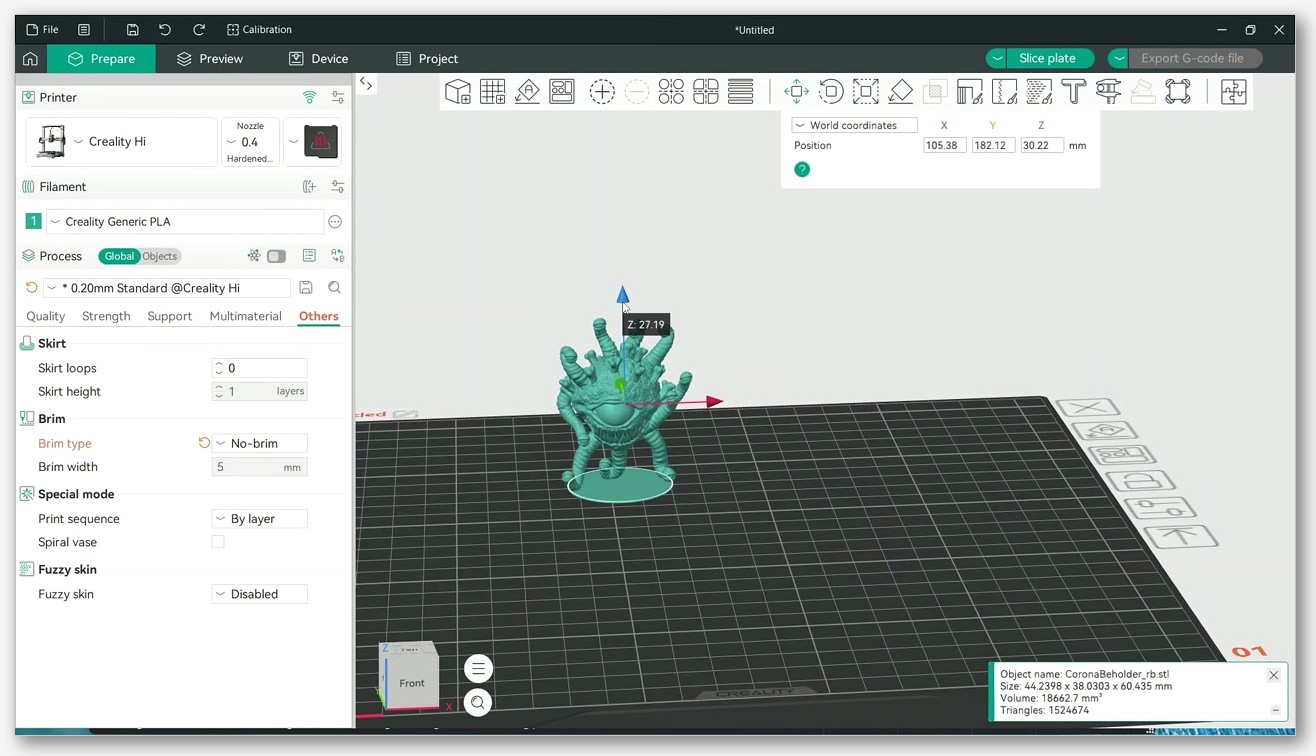
If you’re stuck below 2.0 (typical in VMs and RDP sessions), there are two workarounds from the tracker. Launch with the --sw-renderer flag, which forces software rendering and skips the GPU entirely. Or copy the opengl32.dll from a PrusaSlicer install into your OrcaSlicer folder, which several users in Issue #2928 report fixes the VM case. Neither is in the README. If you’re still stuck, our OrcaSlicer won’t open troubleshooting guide walks through the OpenGL failure modes step by step.
GPU is for the viewport, not for slicing
This matters because I see it misstated everywhere. OrcaSlicer doesn’t use your GPU to slice. The GPU does one job: render the 3D viewport via OpenGL. That’s the model preview, the toolpath visualizer, the layer-by-layer playback. All slicing computation (perimeter generation, infill, support trees, gcode output) runs on your CPU.
How do I know? The README never claims GPU acceleration for slicing. The CMake build doesn’t link any CUDA, OpenCL, or Vulkan compute libraries. The slicing engine is inherited from PrusaSlicer and Slic3r, both CPU-only. Put a stopwatch on a slice and check task manager: CPU pegged, GPU idle. I confirmed this on both the Windows laptop and the Mac mini.
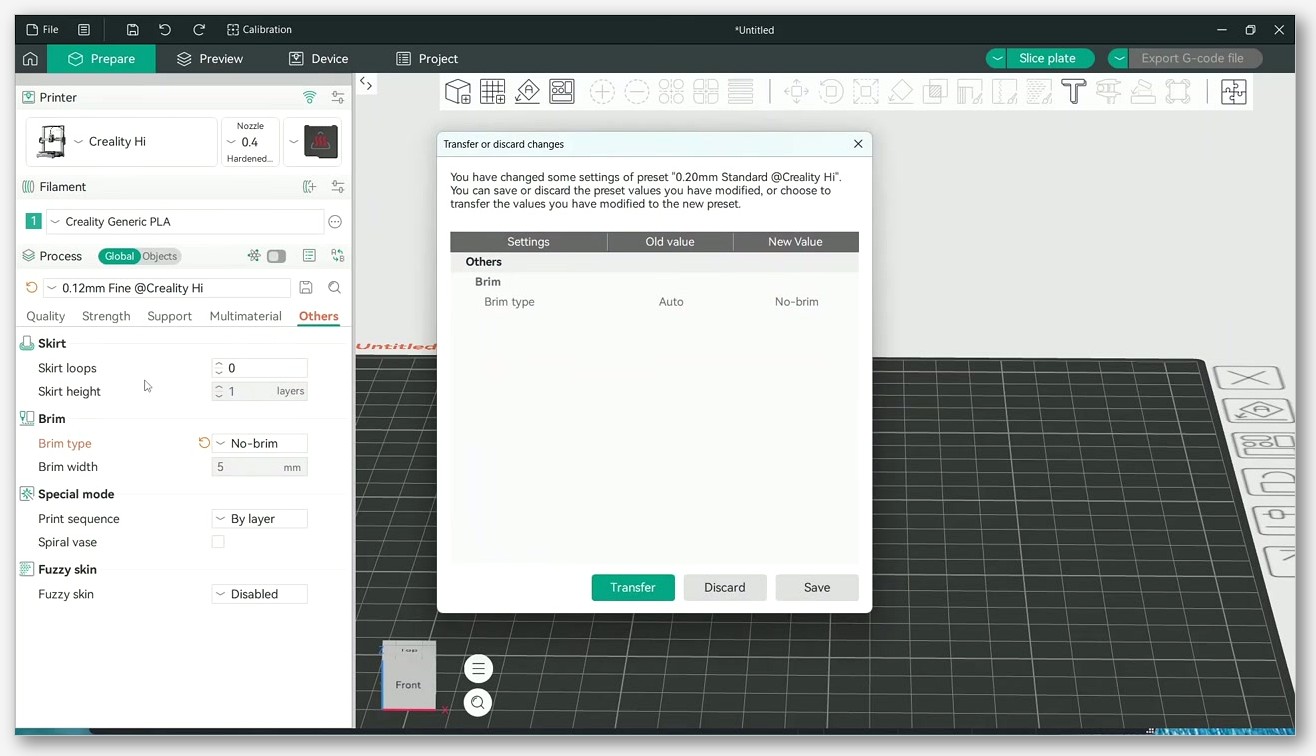
Where it gets interesting is multi-plate work. Issue #11991 is an open feature request asking for parallel processing of separate build plates when you hit “Slice All.” Right now, even with a 16-core CPU, OrcaSlicer processes plates sequentially, and within a single plate the parallelism is partial. Don’t let anyone tell you OrcaSlicer “scales perfectly to all your cores.” It doesn’t.
RAM and CPU, what actually matters in 2026
Since the README publishes no minimum, the only honest way to frame RAM and CPU is by what real workloads stress.
For CPU, the brutal example is Issue #9064, a real benchmark from a user testing organic supports. On an i5-1235U laptop with 16 GB and an RTX 2050 (irrelevant, since slicing’s CPU-bound), they measured the same model:
- OrcaSlicer 2.2 sliced it in 3.8 seconds.
- OrcaSlicer 2.3 took 1 minute 48 seconds on the same hardware.
- PrusaSlicer 2.91 did it in 1.8 seconds.
The 30x slowdown only happened during the “Generating Supports” phase when organic supports were enabled. The lesson is that single-thread CPU performance matters far more than core count for the kind of work that actually chokes the slicer, and that “more cores” doesn’t always help. If your slices feel sluggish, our slow slicing fix guide covers the usual culprits (organic supports being one of the top offenders).
For RAM, the situation’s the opposite of what mirror sites suggest. Issue #9094 documents a user with 31.3 GiB of RAM whose OrcaSlicer 2.3.0 process got OOM-killed by a memory leak triggered by a specific 0.8 mm slice condition. The slicer leaked until the kernel killed it, on 32 GB. That’s not evidence OrcaSlicer needs more than 32 GB. It’s evidence bugs happen, and headroom buys a softer landing. Don’t read it as a baseline. If you’ve been hit by crashes mid-slice, our crashing-during-slicing guide covers the leak patterns.
What scales with RAM in practice is model complexity and plate count. A simple STL slices fine in 4 GB total. A multi-color print across four plates with dense organic supports will eat several gigs in working set. So the realistic framing isn’t “OrcaSlicer needs X GB,” it’s “your model and settings determine how much you need.” On my Pi 5 with 8 GB I can slice simple parts comfortably. Anything serious moves to the laptop or the mini.
The “4 GB RAM, 8 GB recommended, Core i3” myth
I want to be explicit because I went looking for the source and couldn’t find one. The claim that OrcaSlicer requires 4 GB minimum, 8 GB recommended, a Core i3, and OpenGL 3.3 appears on dozens of mirror sites and in AI summaries. None cite the GitHub repo. The README doesn’t say it. CMake doesn’t say it. Release notes don’t say it. The wiki doesn’t say it.
My read: this table is a confident guess that got copied around until it looked authoritative. It’s probably not far off as a recommendation, but it’s not a published spec, and presenting it as one sends people down wrong rabbit holes when the app actually fails. The real minimums I can verify are OpenGL 2.0 (Issue #2928), GLIBC 2.38 on Linux AppImage (Issue #10990), and macOS 11.3 build target. Everything else is informed estimation.
Linux gotchas: GLIBC 2.38, FUSE, and when to use Flatpak
If you’re on Linux, this section will save you the most time. The v2.3.2 AppImage is built on Ubuntu 24.04 and linked against GLIBC 2.38. That breaks it on a bunch of widely-used distros.
Issue #10990 documents the break. Confirmed not to launch the recent AppImages out of the box: Debian 12 Bookworm (GLIBC 2.36), Linux Mint 21 (Ubuntu 22.04 base), Zorin OS 17.3 (also Ubuntu 22.04 base). Arch users had separate issues despite newer glibc. If ldd --version reports anything below 2.38, the AppImage won’t start.
Workaround: the Flathub Flatpak. flatpak install flathub com.orcaslicer.OrcaSlicer bundles its own runtime and sidesteps the host GLIBC entirely. That’s what I’d recommend for anyone on a non-current Ubuntu base.
The other Linux trap (not in the README) is FUSE. AppImages need Filesystem in Userspace to mount themselves. On Ubuntu 24.04 and Debian 13 the package is libfuse2t64; on older systems it’s libfuse2. If the AppImage silently fails to launch, that’s nearly always what’s missing. For a step-by-step walkthrough including the FUSE install, our Linux install guide covers each distro’s quirks.
What to actually buy or rent if you’re starting from scratch
The honest hardware advice is simple, because the actual constraints are loose.
Any 64-bit CPU made in the last decade with an iGPU that reports OpenGL 2.0 or higher will launch OrcaSlicer. My ten-year-old i5 laptop with integrated HD Graphics qualifies, as does basically any Mac since 2011 and any current Raspberry Pi (with the Linux gotchas).
For serious work (organic supports, big multi-color prints, dense infills), prioritize single-thread CPU performance. Issue #9064 makes this concrete: the slowdown wasn’t fixed by adding cores. Look for a recent CPU with strong single-core benchmarks rather than chasing core count.
RAM-wise, 16 GB is the comfortable number for modern hobby workloads, and that’s what I’d buy fresh. Not because the slicer demands it, but for headroom against bug patterns and against your own ambition when you load bigger plates. 8 GB is workable for simple parts; you’ll notice it on complex ones.
The GPU just needs to render the viewport smoothly. Any iGPU from Intel UHD onward, any M-series Apple chip, any discrete card from the last decade is fine. Don’t buy a discrete GPU specifically for OrcaSlicer. It won’t speed up your slices.
An SSD helps with project save/load and with the application’s own startup. Beyond that, OrcaSlicer is AGPL-3.0, costs nothing, and you can install it on as many machines as you want from the OrcaSlicer download page.
FAQ
Does OrcaSlicer need a dedicated GPU?
No. Any iGPU that supports OpenGL 2.0 or higher is enough. The GPU only renders the 3D viewport; it doesn’t accelerate slicing. Integrated graphics on a modern laptop or any M-series Mac will run the app fine.
Will OrcaSlicer run on macOS 11.0 Big Sur?
The published v2.3.2 universal DMG is built against macOS 11.3 (per CMAKE_OSX_DEPLOYMENT_TARGET in CMakeLists.txt), so 11.0 through 11.2 may refuse to launch the binary. The conceptual project floor is 11.0, but you’d need to build from source with a lower deployment target to actually run there.
Why won’t the AppImage open on Debian 12?
Because the v2.3.2 AppImage is built against GLIBC 2.38 (it’s literally in the filename: Ubuntu2404) and Debian 12 ships GLIBC 2.36. Either upgrade to Debian 13 or install the Flathub Flatpak instead, which bundles its own runtime.
Does adding more CPU cores make slicing faster?
Mostly no. Issue #11991 confirms multi-plate “Slice All” is sequential, and even within a single plate the parallelism is partial. Single-thread performance matters more than core count for the workloads that actually slow the slicer down.
Is 8 GB of RAM enough?
For simple and moderate parts, yes. For complex multi-color jobs, dense organic supports, or multiple plates, you’ll want 16 GB or more, mostly as headroom against bug patterns and your own model complexity. There’s no published minimum, so this is judgment based on what I’ve seen on my own machines.
Does OrcaSlicer run natively on Apple Silicon?
Yes. The v2.3.2 DMG is a universal binary covering both Apple Silicon and Intel in a single file. On my M2 Mac mini it runs natively, no Rosetta.
If you’re still on the fence about which OS or hardware path to take, my recommendation is to install it on what you already have, slice a couple of real models, and see where it gets uncomfortable. The published minimums don’t exist, so your own workload is the only real benchmark.