The first time I ran a nightly build, it was because v2.3.1 stable had a wipe tower behavior I couldn’t get around on a paid bracket order, and someone in a Discord thread swore main had already fixed it. I downloaded the nightly, ran the print, and yes, that part worked. Two days later a different nightly broke my Bambu LAN setup, and I crawled back to stable with printer profiles that, somehow, no longer showed up in the UI.
That’s the trade-off in one paragraph. If you’ve landed on OrcaSlicer’s GitHub Releases page wondering whether to click the green “Latest” badge on v2.3.2 or the nightly-builds tag at the top, this guide covers what each channel is, what nightly buys you, the profile-folder gotcha nobody warns you about, and how to roll back cleanly. Every download CTA points to GitHub releases.
Table of contents
- What each release channel actually is
- Where each channel lives and how to spot the right file
- What you get by running nightly today
- The risk side: what can break on nightly
- The profile folder is shared, and that matters
- Rolling back to a stable version
- Recommendations by user type
- FAQ
What each release channel actually is
OrcaSlicer’s README only names two channels. The relevant lines, verbatim:
“Download the Latest Stable Release. Visit our GitHub Releases page for the latest stable version of OrcaSlicer, recommended for most users.”
“Download the Latest Nightly Build. Explore the latest developments in OrcaSlicer with our nightly builds. Feedback on these versions is highly appreciated.”
That’s it. Stable and Nightly. Anything else you see on the Releases page exists as a tag, not as a documented channel.
Stable is a tagged release like v2.3.2, manually published after the project burns through its beta and RC cycle. The latest one shipped on March 23, 2026. Before that, v2.3.1 shipped in October 2025, and v2.3.0 in March 2025. Roughly a major point release every five to six months.
Release Candidate tags (v2.3.2-rc, v2.3.2-rc2) are pre-release flagged, feature-frozen attempts at the next stable. The RC2 page notes that 172 commits landed between rc2 and the final stable tag, so even RC isn’t quite what stable will be.
Beta tags (v2.3.2-beta, v2.3.2-beta2) are where the big new features land first. The v2.3.2 beta dropped Feb 14, 2026, and beta2 dropped the very next day to patch beta-only regressions. Beta carries the headline stuff, beta2 fixes whatever beta broke.
Nightly is the one that confuses people, because it’s a single tag (nightly-builds) with ten assets that get overwritten in place after every merge to main. Maintainer SoftFever put it cleanly in discussion #1575:
“The best way is to download the main branch’s nightly build as all PR will be merged into main branch when it’s ready.”
Translation: nightly is whatever just landed. The tag’s own description warns that “Nightly builds are developmental and may contain bugs.” That’s the project speaking, not me.
Where each channel lives and how to spot the right file
Three URLs cover almost everything you’ll do.
- Latest stable:
github.com/OrcaSlicer/OrcaSlicer/releases/latest - Nightly:
github.com/OrcaSlicer/OrcaSlicer/releases/tag/nightly-builds - Everything (betas, RCs, older stables): the full releases page
If you’re new to the install side, our OrcaSlicer download guide walks through picking the right OS asset before you even look at channels.
The filenames tell you which channel a file came from. Stable uses the version string, beta tacks -beta onto it, nightly drops the version entirely and uses the literal word nightly:
- Stable:
OrcaSlicer_Windows_Installer_V2.3.2.exe - Beta:
OrcaSlicer_Windows_Installer_V2.3.2-beta.exe - Nightly:
OrcaSlicer_Windows_Installer_nightly.exe
The same pattern holds for macOS DMGs, Linux AppImages, the two Flatpak architectures, and the standalone profile validator. Total of ten assets on the nightly tag, including an orca_custom_preset_tests.zip file for contributors testing preset changes.
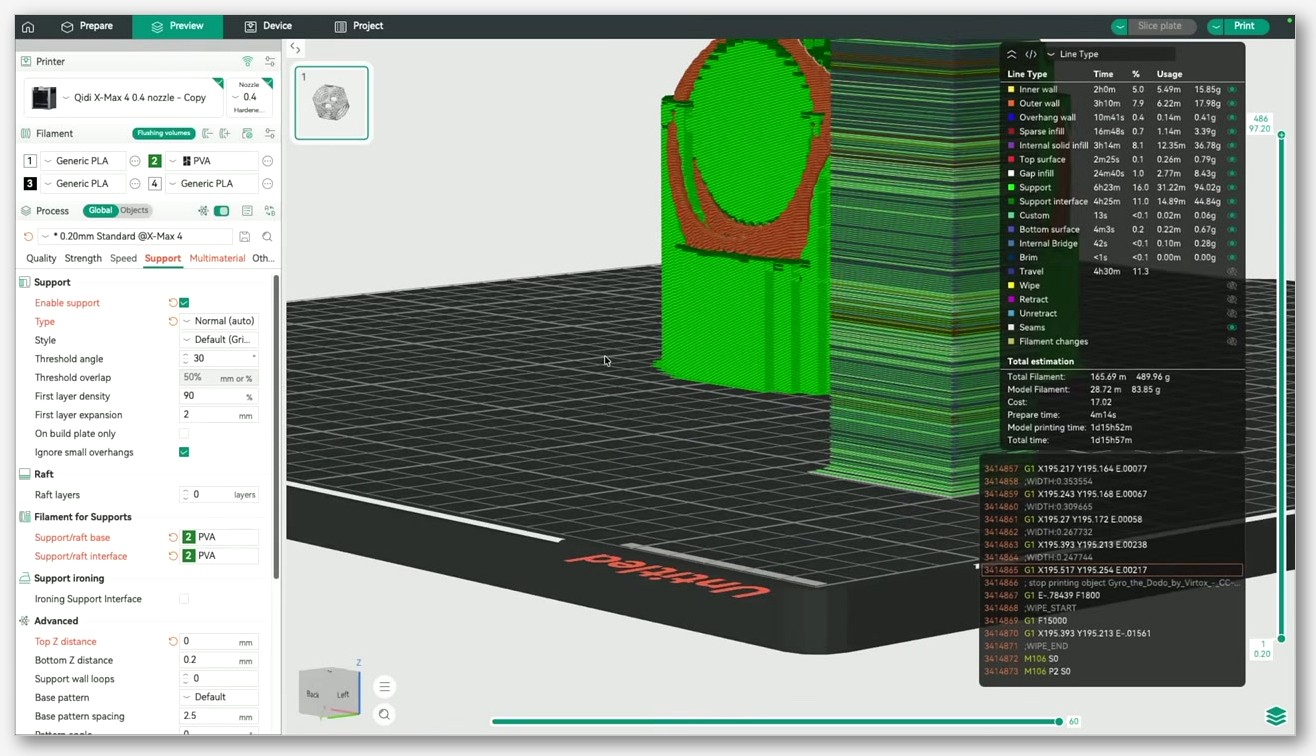
One quirk worth knowing: nightly assets sit on a single tag URL and GitHub overwrites them in place. Bookmarking the file doesn’t pin a version, it pins a moving target. Save a copy locally if you want a specific nightly to stick around. Our step-by-step Windows install guide covers the installer flow itself.
One more naming note: both github.com/SoftFever/OrcaSlicer and github.com/OrcaSlicer/OrcaSlicer resolve to the same project. Either URL works.
What you get by running nightly today
This section is the honest answer to “is nightly worth it.” Most of what’s listed here landed in v2.3.2-beta on Feb 14, 2026 and only reached stable users when v2.3.2 shipped on March 23. So roughly five weeks of “this works today on nightly, you wait for stable.” Across the full release cycle, you’re often looking at months of lead time.
Verified, with the PR numbers so you can read the patches yourself:
- Bridge density above 100%. The maximum bridge density can now exceed 100%, allowing tighter spacing between bridge lines. PR #11283. If you’ve ever printed a flat bridge that looked like a row of independent strings instead of a sheet, this is the setting that fixes it.
- Fixed Ironing Angle. A new option keeps the ironing direction the same on every layer instead of rotating per layer. PRs #11195 and #10841. Useful for top surfaces where you want the iron pattern to read uniformly under raking light.
- Rebuilt multiline infill. All multiline logic has been rebuilt for smoother, continuous extrusion with round corner transitions. PR #11435, with follow-up wall-connect fix in PR #11765 and a high-density crash fix in PR #10967.
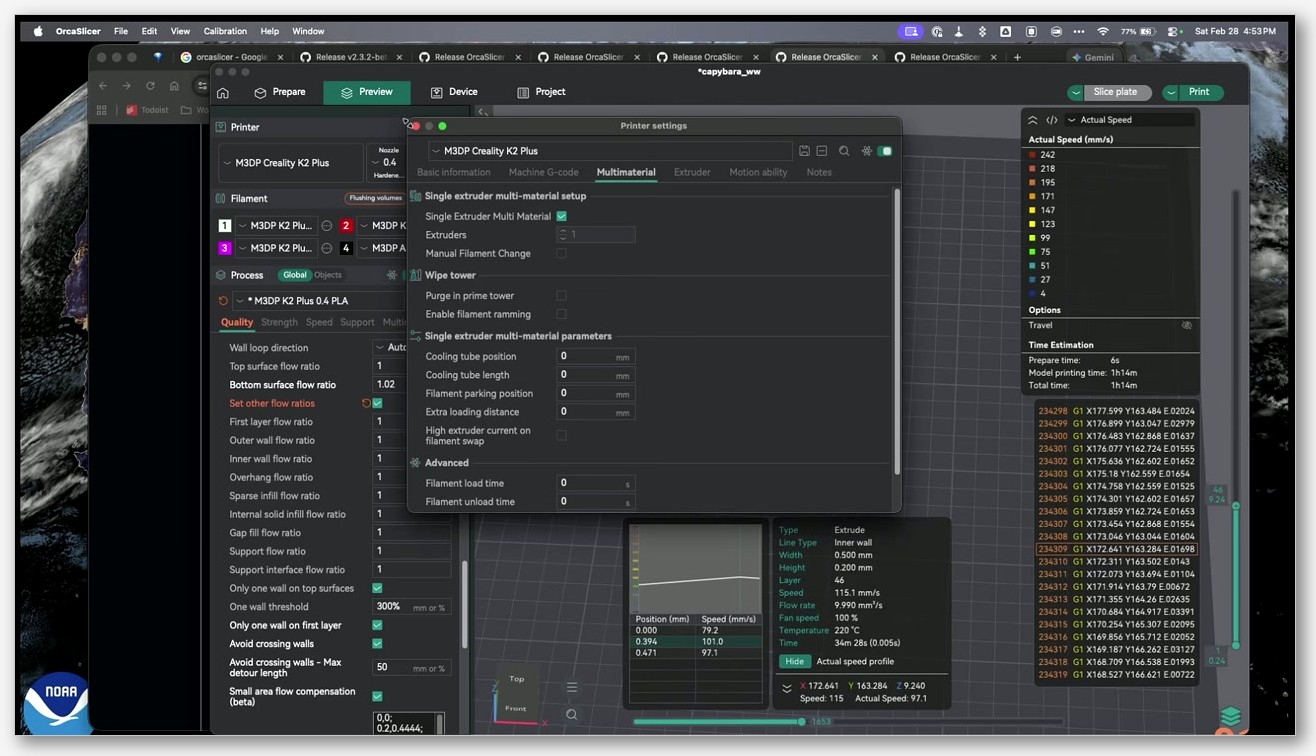
- Per-feature flow ratio. Fine-tune flow rate for each print feature separately: first layer, outer walls, inner walls, overhangs, infill, gap fill, supports, and support interfaces. PR #10641 by @valerii-bokhan. This one’s the headline feature for tuners. It cleanly separates outer-wall calibration from infill calibration without weird workarounds.
- Small-area flow compensation curve fix. The small area flow compensation now uses an improved curve calculation that prevents spike artifacts. PR #11716.
All of these are in v2.3.2 stable today. The point is what they teach you about the cadence: features that ship in stable on date X were available, working, in nightly weeks or months earlier. If you’re patient, stable catches up. If you’re not, nightly is where the new stuff actually lives.
The risk side: what can break on nightly
The nightly tag’s own description doesn’t sugarcoat it: “Nightly builds are developmental and may contain bugs.” Pull that one line and you’ve got the legal framing.
The concrete examples from this most recent release cycle are more useful, though, because they show the kinds of things that get caught between beta and stable, all of which can also exist in nightly:
- A blank 3D preview on Linux/Wayland was caught and fixed in beta2.
- Some new printers were missing from the selection dialog in the original beta. Also fixed in beta2.
- Bambu LAN printing with the legacy plugin broke and got patched in rc2.
- Pressure equalizer corrections, fuzzy skin fixes, and several macOS issues all landed between rc and rc2.
Beta and RC tags are snapshots, so once you install v2.3.2-rc2, that’s what you’ve got until you upgrade. Nightly is different. It’s whatever got merged in the last commit window. That can be the fix to the regression you hit yesterday, or it can be a freshly-introduced regression nobody’s reported yet. There’s no “this nightly is good” stamp. There is no QA pass between merge and asset publish.
If you do hit something weird, our OrcaSlicer troubleshooting guide is the right place to start before you assume the build is at fault. Half the time the issue is profile drift, not the binary.
There’s also a Windows-specific note worth mentioning. Per community report, Microsoft Defender has flagged the v2.3.2 installer as Trojan:Win32/Wacatac.H!ml (tracked under issue #12923). This is a heuristic flag, not a confirmed signature match, and OrcaSlicer hasn’t published official SHA-256 hashes (issue #7005) for you to verify download integrity. Worth knowing before you hit “Allow on device.”
The profile folder is shared, and that matters
This is the section I wish I’d read before my first nightly experiment.
OrcaSlicer’s per-user config, your printers, filaments, processes, and calibration data, lives in a single folder per OS. That folder is not scoped to which version you’re running. Install nightly, the nightly writes into the same folder stable was using. Roll back to stable, stable reads whatever nightly left behind. Sometimes that’s fine. Sometimes it isn’t.
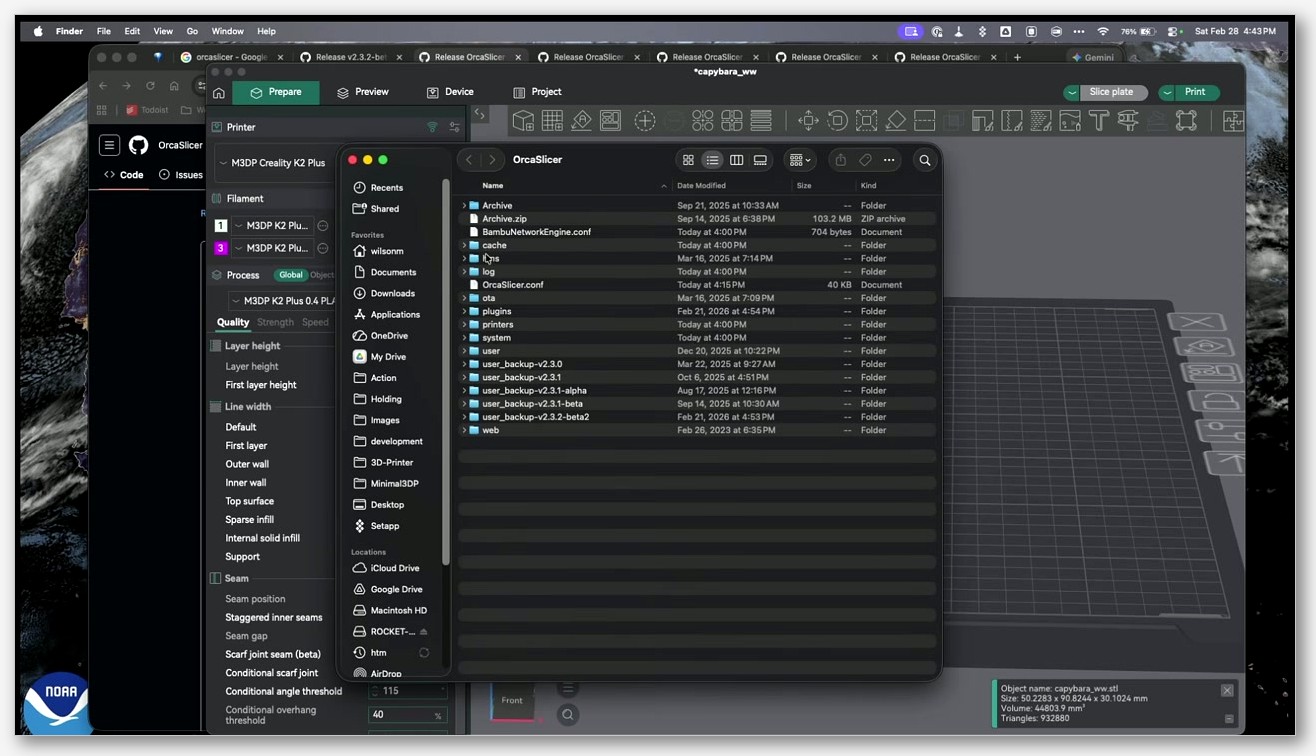
The load-bearing source here is issue #11504. The user installed 2.3.2-dev (nightly at the time), tested, then went back to 2.3.1 stable. Their printers showed up in the configurator as “already enabled” but didn’t display in the main UI. They asked the project for either a full-backup feature or the option to use a separate working directory for nightly testing. The issue was closed as duplicate, which means the project knows, but no automatic solution exists yet.
The fix is on you. Before you install nightly:
- Open OrcaSlicer on your current stable.
- Go to File and use the configuration export to bundle your printer, filament, and process presets into a single backup file. Our guide to export your printer and filament profiles covers the exact menu paths.
- Separately, copy the OrcaSlicer config folder to a safe location. The path varies by OS, and rather than guess at exact paths here, the safest move is to check OrcaSlicer’s own Wiki at orcaslicer.com/wiki.
If you don’t take these two minutes, you might be fine. Or you might end up like the user in #11504, rebuilding printer presets from scratch on a deadline. The v2.3.0 release notes even acknowledged that upgrading from older lines can shuffle filaments around (“there’s a chance that some of your previously custom filaments are now available to all your printers”). If upgrading is non-trivial, assume downgrading is at least as messy.
Rolling back to a stable version
If nightly bit you and you want off, the path is uncomplicated, but you do it manually. The app does not roll itself back.
- Go to the full releases page and pick the stable tag you want. Latest stable lives at
releases/latest; a specific older one like 2.3.1 is atreleases/tag/v2.3.1. - Download the installer for your OS using the filename convention from earlier in this article (the one with
_V2.3.xin it, not_nightly). - Uninstall the current build first to keep things tidy. On Windows, use Add/Remove Programs. On macOS, drag the app to Trash. On Linux Flatpak, run
flatpak uninstall com.orcaslicer.OrcaSlicer. For the AppImage, just delete the file. - Install the older release.
- If your profiles got mangled, re-import the configuration bundle you exported before testing nightly. If you didn’t export one, this is the part of the article where I gently say sorry.
The uninstall does not clear your config folder. That’s mostly a feature (you don’t lose your printers every time you update) but it’s also why a contaminated config persists across the rollback. Your backup is the safety net.
Recommendations by user type
Production user printing paying jobs or deadline parts: stable. Full stop. Stick with what the README literally recommends. Our broader is OrcaSlicer safe to use piece covers the case in more depth, but the short version is: don’t gamble on nightly with a customer’s failure cost.
Hobbyist with one machine who likes shiny things: stable on the printer, nightly occasionally on a spare laptop or in a VM to scout what’s coming. You get the preview without the production risk.
Tinkerer, Voron builder, or mod developer: nightly is fine. You’re already tweaking profiles every other day. The bridge density >100% and per-feature flow ratio features alone are worth it for calibration-heavy workflows, and you’re going to notice regressions fast because you slice constantly.
Bug reporter or contributor: always nightly first. Bugs found in old nightlies may already be fixed in main, and the project has limited bandwidth to triage reports against six-month-old code. Reproduce on nightly, then file with the exact commit you tested.
FAQ
Is the OrcaSlicer nightly build safe?
“Safe” depends on what you mean. The build runs, won’t break your printer hardware any more than stable can, and OrcaSlicer publishes assets directly on GitHub so you’re getting them from the source repo. But it’s not free of regressions. The nightly tag’s own description warns it “may contain bugs.” Run it knowing that, back up your profiles first, and don’t use it for parts you have to ship tomorrow.
Can I run nightly and stable side by side?
Not cleanly. Both installs share the same config folder per OS, so they’ll step on each other’s printer, filament, and process presets. Issue #11504 documents exactly this scenario: nightly user returned to stable, lost printer visibility in the UI. The project hasn’t shipped per-version config isolation, so the workaround is a manual backup before each install.
How often is the nightly build updated?
After every merge to the main branch. On an active development day that can be multiple builds. The single nightly-builds tag holds the assets and they’re overwritten in place, so the “version” you have is whatever was current when you clicked download.
Is there a beta channel I can subscribe to?
No subscription mechanism exists. You check the GitHub Releases page manually and download betas (-beta) or release candidates (-rc) when they appear. They’re flagged as pre-releases on the page, so they don’t show up under the “Latest” link.
Does OrcaSlicer auto-update to nightly?
No. The app may surface a notification when a new stable release is available, but installations are always manual downloads from GitHub. Nightly never auto-installs over your current build.
Is OrcaSlicer/OrcaSlicer the same as SoftFever/OrcaSlicer on GitHub?
Yes. Same project, same release assets, same README. The README’s download links use the OrcaSlicer/OrcaSlicer org URLs, while the original repo and API responses sit at SoftFever/OrcaSlicer. Either URL works for browsing releases.
Closing thought
The honest read on nightly versus stable is that it’s not a personality test, it’s a workload question. If your printer pays your rent or is producing parts that have to be in someone’s hands by Friday, stable is the answer the README gives you for a reason. If you’re calibrating, modding, or just nosey about what’s landing in main, nightly will get you there months earlier with the trade-off that some weeks it’s rough. Either way, back up your profiles before you switch, and bookmark our OrcaSlicer download guide for the next time GitHub’s Releases page looks like alphabet soup.
Related OrcaSlicer guides
- OrcaSlicer vs Bambu Studio: Which Is Better in 2026?
- OrcaSlicer vs Anycubic Slicer Next: Which Fork Wins for Kobra?
- OrcaSlicer vs Cura: Speed, Calibration & Compatibility (2026)
- OrcaSlicer Arachne vs Classic Wall Generator: Which Wins?
- OrcaSlicer Won’t Find My Printer on the Network: Mac and Windows Fixes